



Extract External Links Using Website Scraper
2026-08-03 08:23:42
Link building is one of the most time-consuming parts of SEO. Manually scrolling through 20+ blog posts to find external links wastes hours. A website scraper cuts that process down to minutes by automatically extracting every outbound link from a site's recent content—so you can identify link opportunities, analyze competitor linking patterns, and build your own link strategy faster. This guide shows you exactly how to use a web scraper to extract links, what data you get, and how to use it for real SEO wins.
Why Extract External Links for SEO?
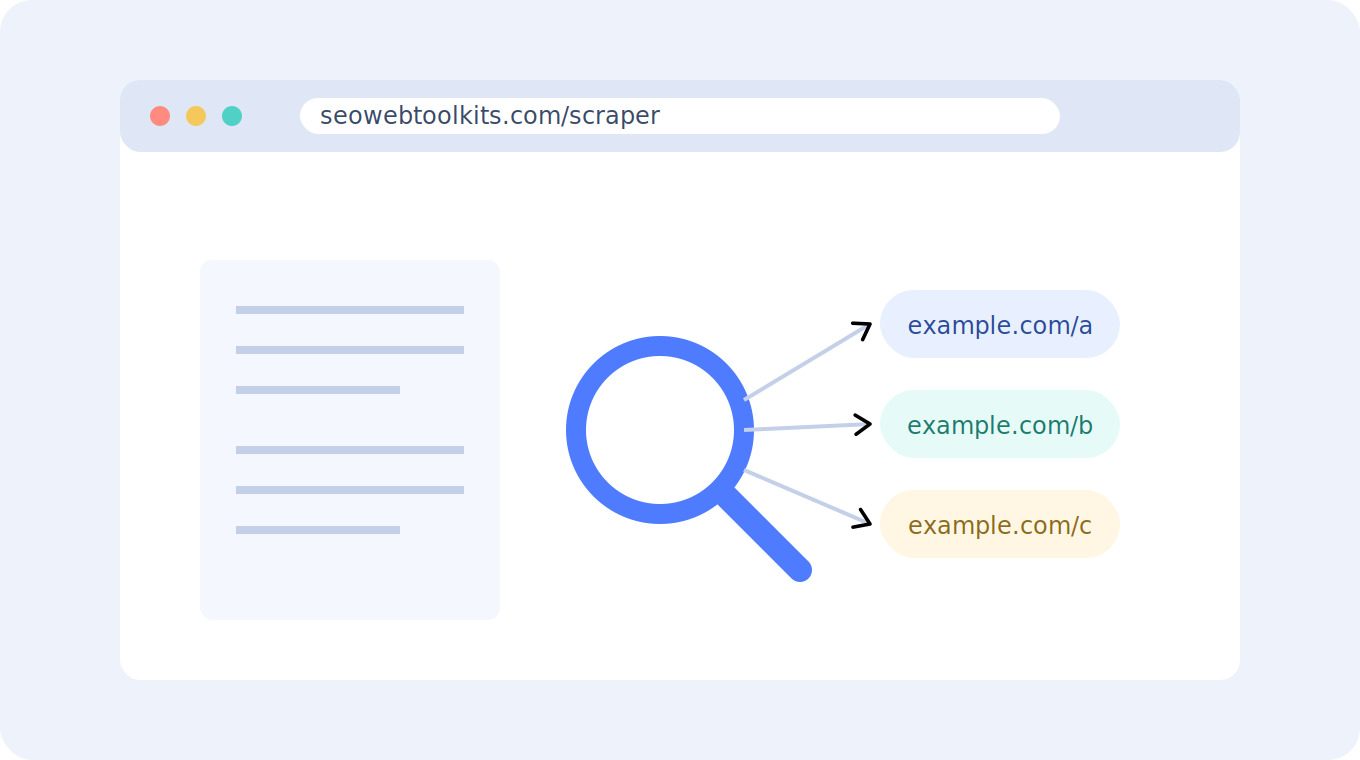
External links in blog posts are gold for link builders. They reveal: The faster you can gather this data, the faster you can act on it.
How to Use a Website Scraper to Extract Links
A modern web scraper doesn't require coding. Here's the process:
Step 1: Choose Your Target Website
Pick the website whose links you want to analyze. This could be:
- A direct competitor (find their link sources)
- An industry publication (see where they send traffic)
- A resource site in your niche (identify authority domains)
Step 2: Enter the Website URL
Paste the domain into your scraper. The tool automatically crawls recent blog posts without manual navigation—it handles WordPress blogs, custom sites, and even homepage-based navigation. Most scrapers can pull the last 5 days to 4 months of posts depending on your account level. This gives you a real picture of current linking habits, not old archived data.
Step 3: Run the Scrape
Hit "scrape" and wait seconds to a few minutes. The tool extracts:
- Post title and URL
- Publication date
- Every external link in the post
- Anchor text of each link
- The page the link appears on
Step 4: Download & Analyze
Export the results as CSV. Now you have structured data to analyze:
Real-World Use Cases
You scrape a competitor blog and extract 200+ external links from the past month. You sort by domain and notice they link to 15 different industry publications. You cross-reference with your own link profile—you've only gotten coverage on 5 of those 15. Those 10 publications are now your outreach targets. You reach out with relevant topic ideas, and 2-3 accept guest posts. That's 2-3 new backlinks from high-authority sites, all discovered in 10 minutes of scraping. A resource site in your niche scrapes as having zero links to courses or tools like yours. But they link to 8 competitors. This tells you two things: (1) the site owner isn't aware of your offering, and (2) there's proven demand for that type of resource. You create a better version, reach out with proof of superiority, and get a feature. You scrape 3 competitor sites and notice they all link to the same 5 industry databases. Those databases are considered "essential references" in your space. You submit your best content to those databases, or you create tools/content that these reference pages should link to.
Common Mistakes When Scraping for Links
Tools Beyond the Scraper
After extracting links, use these free tools to enhance your research:
- **Domain age checker** → Verify how established each linked domain is.
- **SEO audit tool** → Check if target sites have technical issues before outreach.
- **SERP snippet preview** → See how your outreach emails will look to site owners.
Combining tools gives you a complete picture before you pitch.
Getting the Most From Your Extracted Links
Conclusion
Extracting external links from blogs used to mean manually opening 50+ posts and copying URLs into a spreadsheet. Modern web scrapers eliminate that grunt work—you get structured link data in minutes, not hours. Use that data to identify guest post opportunities, understand competitor linking patterns, and build a data-driven outreach strategy. The faster you find link targets, the faster you build authority.
Reviews
Log in to write a review.
No written reviews yet - be the first to share your thoughts.